

In our Download area on our Support site you can find our profiler guides. The latest guide explains the Profiling process for printers using non standard inksets (Version 9).
READ MORE New Profiler guide – Profiling process using non standard inksetsAll posts by Alexander Bartsch
Adjusting the Advanced Settings window for monitor resolutions under 1280×1024
Many smartphones and tablets are already offering full HD resolutions, but there are still notebooks and old displays are often still using maximum resoltion with heights under 1024 pixels. These do not reach the system requirements of Productionserver 9, but there’s still a possibility to show the Advanced Settings window fully in these cases.
READ MORE Adjusting the Advanced Settings window for monitor resolutions under 1280×1024Productionserver RL-direct driver
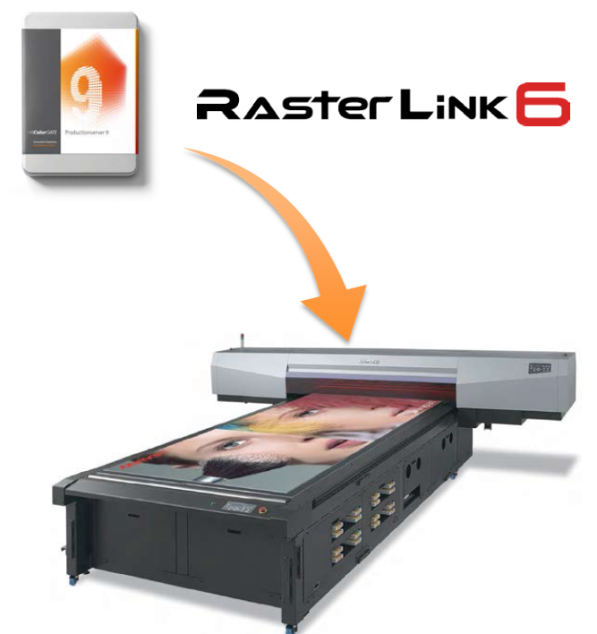
Take advantage of the combined strengths of Productionserver and Rasterlink.
READ MORE Productionserver RL-direct driverVideo: Installation of Productionserver 9
Did you know: Loading settings from Hotfolder
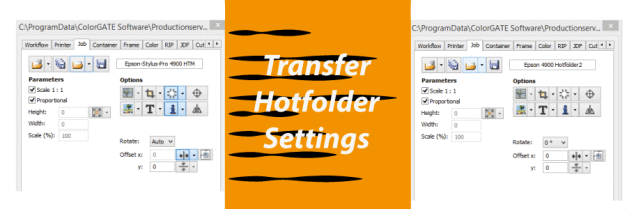
ColorGATE Productionserver now offers the possibility of copying settings from one Hotfolder to another.
READ MORE Did you know: Loading settings from HotfolderWhich screening for full tone color separations?
Some users sometimes ask us the question: Which screening do I have to use to output spot color separations in the Screen workflow?
In principle, graphics that consist of solid colors, either CMYK or spot colors should not be calculated through color management or rastered again. Each color is to be output as a spot color separation.
Setting up a ColorGATE Virtual Printer (Mac OS X)
This document describes how to use the Virtual Printer with Mac OS X.
READ MORE Setting up a ColorGATE Virtual Printer (Mac OS X)New features in V9: Access Control ModulE (ACM)
Starting with Version 9 a user rights-management has been integrated as an option in all ColorGATE Products. With this tool you are able to edit the rights for individual users or user groups. Now it is possible to lock settings or allow limited access to the program to prevent unwanted changes of a running system.
READ MORE New features in V9: Access Control ModulE (ACM)Mimaki JFX500 – Profiling with MAPS2 support
!!!***UPDATE Mimaki JFX200 MAPS2 Support***!!! When using the Mimaki JFX500 with firmware version 2.0 or higher certain print resolutions now support MAPS2. But what is MAPS2 you may ask? And which advantages do these supported print modes have? These and other questions will be answered in the below blog.
READ MORE Mimaki JFX500 – Profiling with MAPS2 supportDid You Know: HP L360
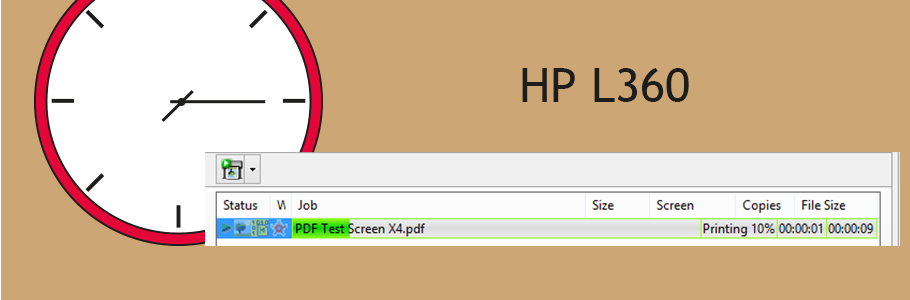
When using the HP Latex 360 it can come to slower print starts when printing larger jobs. This is due to the thumbnail which is generated for the preview in the HP L360.
READ MORE Did You Know: HP L360