Ensure a Smooth Transition To Your New Software Version

Version changes come with new features and improvements but can also be a challenge when it comes to transferring existing data and configurations securely. To avoid downtime, data loss, and unnecessary effort, it is essential to have a well-planned backup and restore strategy. In this article, we show you how to ensure a smooth transition and prepare your systems for the new version.

READ MORE Ensure a Smooth Transition To Your New Software Version

Efficient job processing despite different page sizes: How to master complex PDF files with ColorGATE

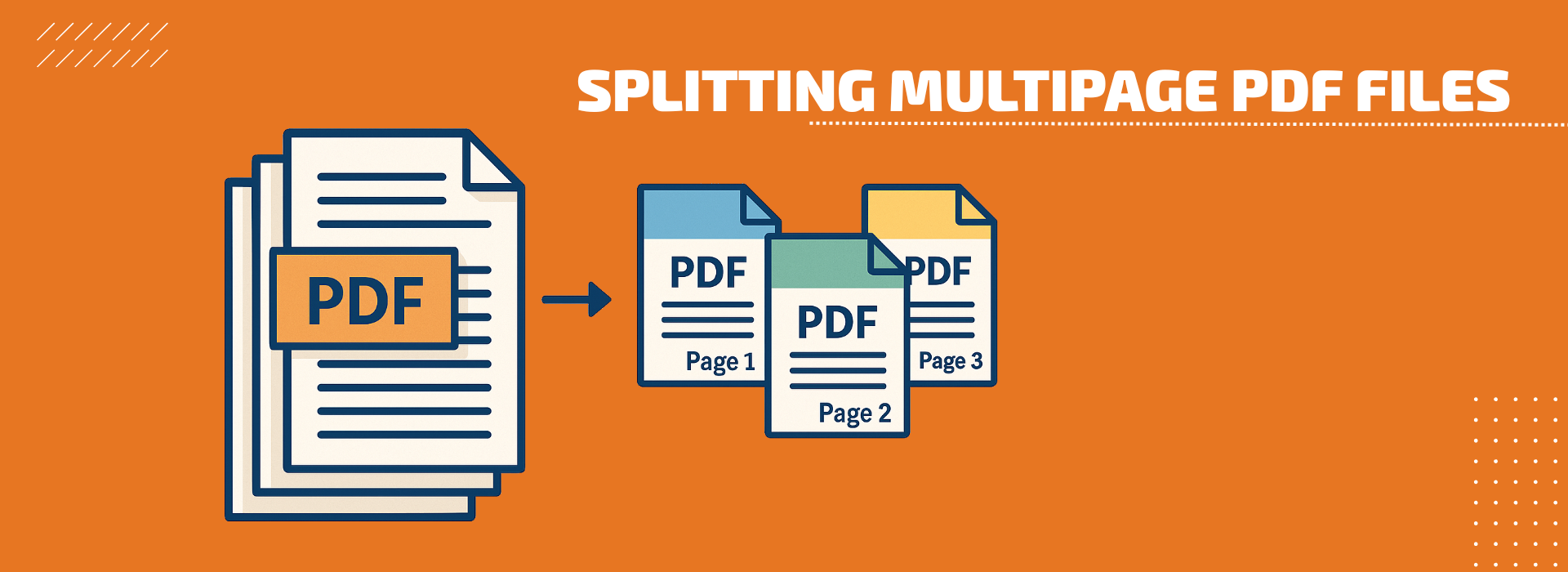
Multipage PDF files are a part of everyday life in modern print production. But what do you do when these files not only contain many pages, but also different page sizes? This is exactly where the new functions of the ColorGATE software come in. They enable highly automated, flexible and efficient processing – without any manual preparatory work.

READ MORE Efficient job processing despite different page sizes: How to master complex PDF files with ColorGATE

Self-Upgrade of Licenses With Soft Key — via the “Upgrade” Button

At ColorGATE, we want to make using our software as convenient as possible for you. This also means that you can now easily update your license with soft key to the latest version yourself — directly via our Support Site and without having to contact our Customer Service Team.

READ MORE Self-Upgrade of Licenses With Soft Key — via the “Upgrade” Button

Ensure a Smooth Transition From V24 to V25 With Backup and Restore

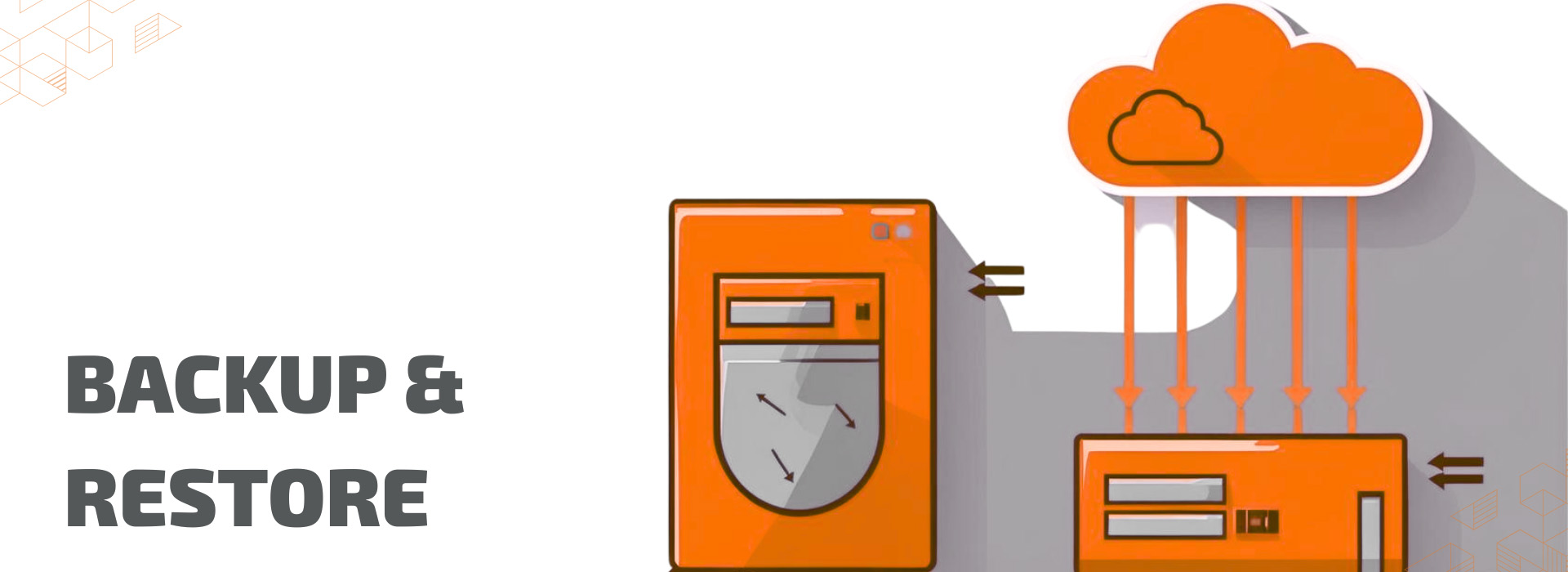
Version changes often bring new functions and improvements, as well as challenges, especially when transferring existing data and configurations securely. To avoid downtime, data loss, and unnecessary effort, it is essential to have a well-planned backup and restore strategy. In this article, we will show you how to ensure a smooth transition and prepare your systems for the new version.

READ MORE Ensure a Smooth Transition From V24 to V25 With Backup and Restore

Optimized print preview: Print what you see!

Would you like to be sure before printing that your motif will be printed exactly as you want and have set in the software? ColorGATE offers you various preview modes (e.g., document preview, with and without special colors or cut paths, channel preview, media preview and printer output), depending on which aspects of the preview are important to you.

READ MORE Optimized print preview: Print what you see!

Print More Accurately and Efficiently With the New Multilayer Printing From ColorGATE

Multilayer printing is the way to make most use of advertising space. Be it with films printed on both sides, e.g., for shop windows, or with posters in Day & Night design, which unfold their full potential with backlighting.

READ MORE Print More Accurately and Efficiently With the New Multilayer Printing From ColorGATE

FAQ for Upgrading to Version 24

Version 24 of Productionserver, Proofgate and Filmgate is out now! If you have a valid Value Pack, you can update, free of charge. In this blog entry, we answer the most important questions about upgrading to V24.

The upgrade process from one version to the next is generally the same. Before upgrading, you should back up and restore your system configuration. Your usual settings, profiles and printer definitions will then be available directly in V24. In version 23.10 and higher, you also have the option of importing your system configurations using the Setup Assistant.

Further information about the import process can be found in this blog article: ensure-a-smooth-transition-from-v23-to-v24-with-backup-and-restore.

READ MORE FAQ for Upgrading to Version 24