Tag Archives: Settings

Tips and Tricks for MIM’s – Part 3: Creating new MIM’s

MIM combinations ensure smooth interaction between printer and software, as they contain the most important parameters for the printing process which are automatically implemented during printing. There are numerous tips and tricks that can be used to create and apply MIM’s even more easily. We would like to share these with you in this blog article.

Continue reading Tips and Tricks for MIM’s – Part 3: Creating new MIM’s

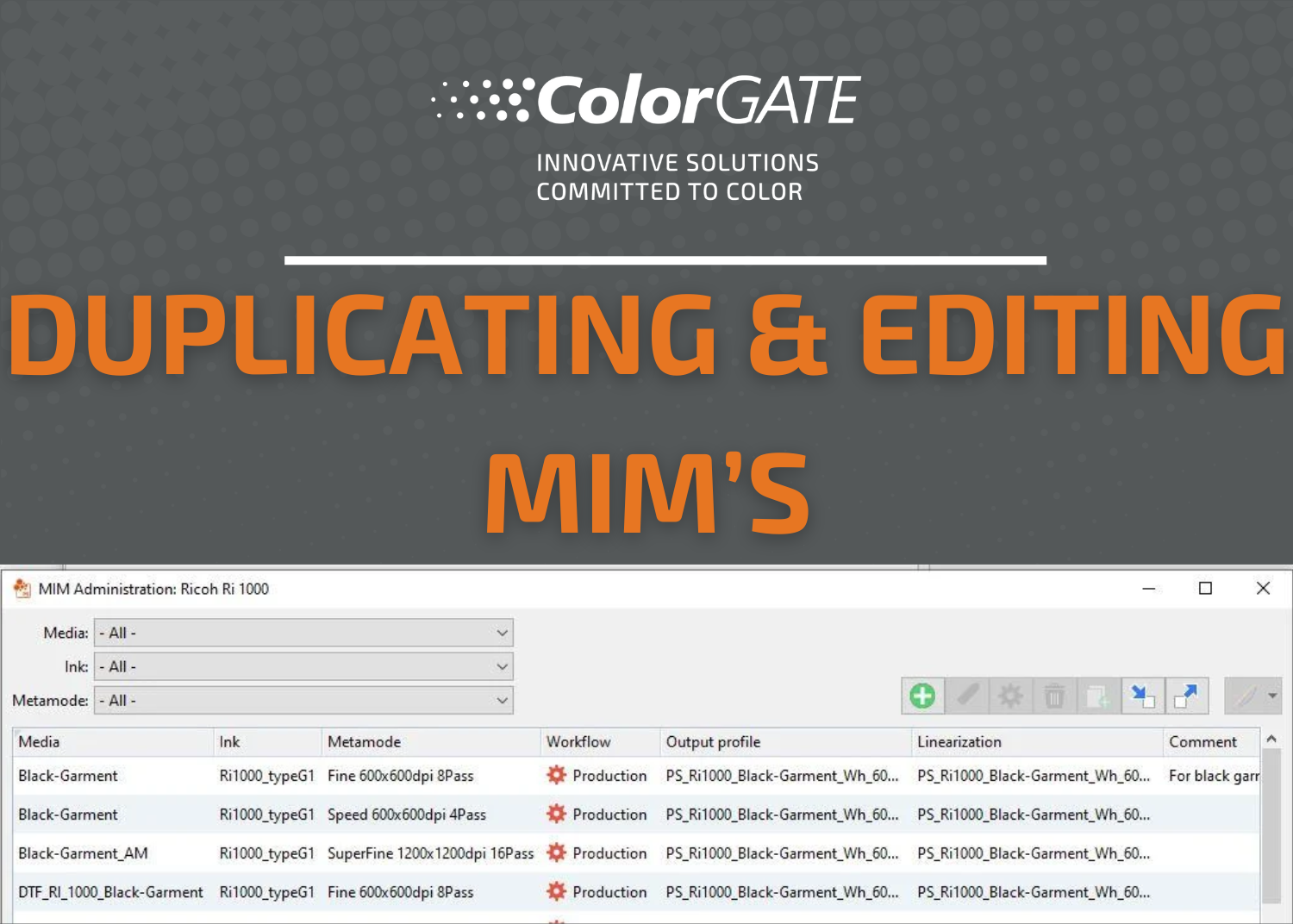
Tips and Tricks for MIM‘s – Part 2: Duplicating and Editing MIM’s

MIM combinations contain important production-relevant parameters that are automatically applied during the printing process and therefore reliably lead to consistently high print quality. In this blog article, we give you helpful tips and tricks for creating and handling MIM combinations.

Continue reading Tips and Tricks for MIM‘s – Part 2: Duplicating and Editing MIM’s

Tips and Tricks for MIM’s – Part 1: What are MIM’s and where I do get them

MIM combinations ensure that your print results are reliably reproducible and of a consistently high quality. This is because they define various production-relevant parameters, such as the medium used, the ink and technical settings. These presettings are applied automatically during the printing process and – just like other forms of standardization and automation, e.g. via hotfolders or settings files – lead to a fast and error-free workflow in digital printing. And all this with consistent print quality at all times.

Continue reading Tips and Tricks for MIM’s – Part 1: What are MIM’s and where I do get them

MIM combinations: Ensure optimal interaction between printer and software

Reliable and reproducible print results and consistently high print quality are essential for professional digital printing. Whether these requirements are met depends to a large extent on various production-relevant parameters such as the medium used, the ink and other technical settings (e.g. print resolution) and their interaction with the software.

Continue reading MIM combinations: Ensure optimal interaction between printer and software

Linearization briefly explained

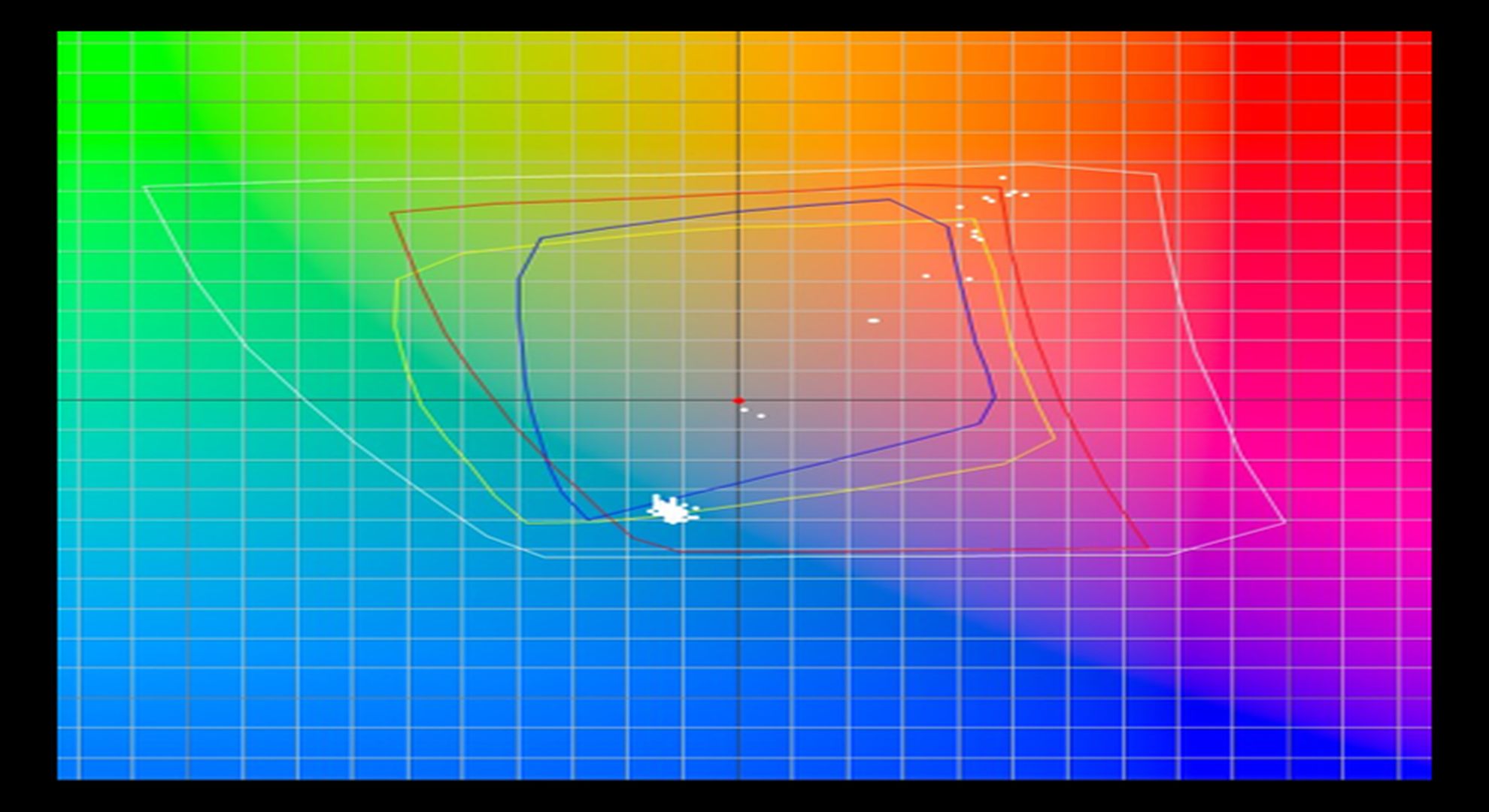
What is linearization and what do you need it for? In this article, we like to introduce you to this process and discuss our matching module, the Linearization Assistant. Basically, linearization allows you to consistently reproduce a specific combination of media and ink on a printing system.

Continue reading Linearization briefly explained